Clean code structure
It complies with the latest PHP standards, is implemented with highly maintainable code, and is easy to customize.
Its clean structure and high degree of customizability
will drastically reduce your production time.

It complies with the latest PHP standards, is implemented with highly maintainable code, and is easy to customize.
It is fully responsive thanks to the use of CSS Grid and Flexbox.
Detailed settings are possible with the theme customizer. Code-level extensibility is also ensured.
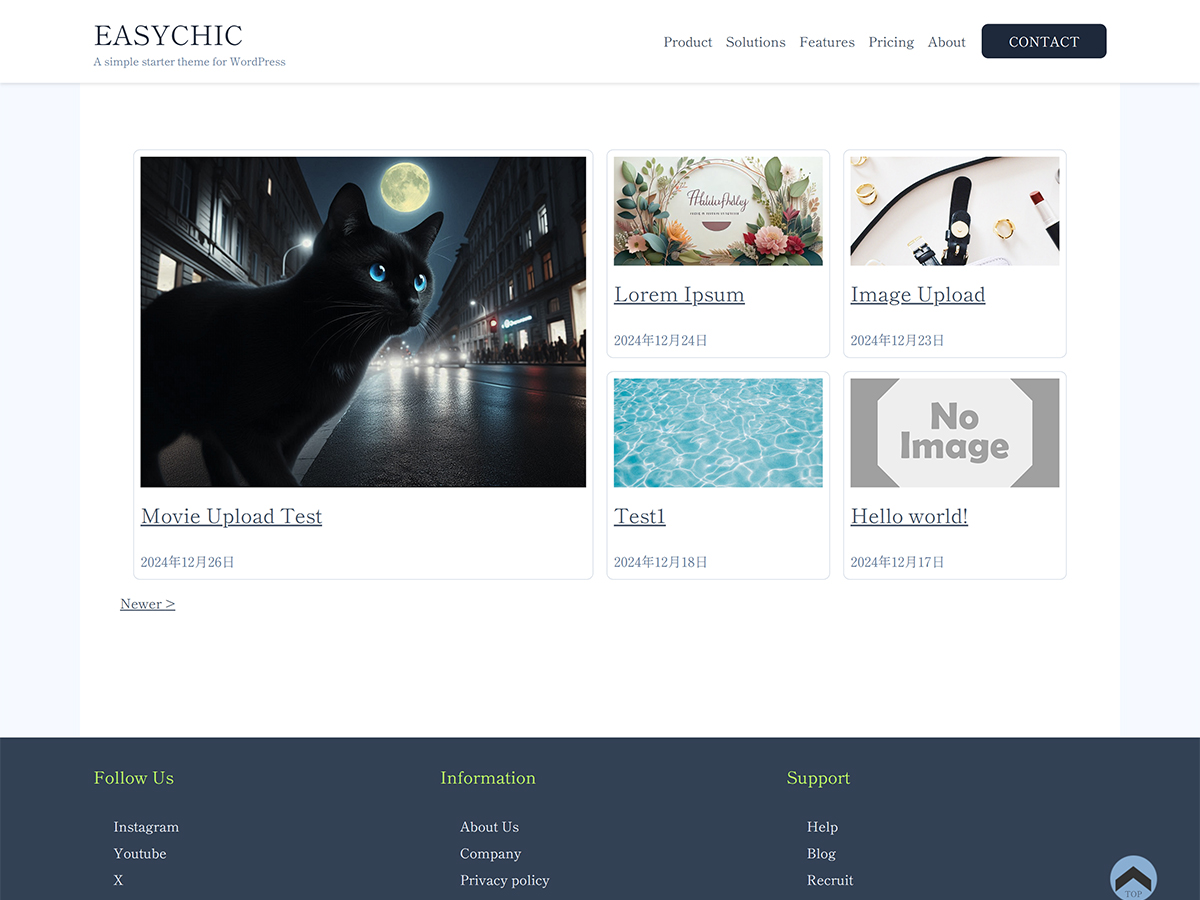
You can see all the features from the admin page to the front end.
The management screen is intuitive and allows you to easily perform the operations you want.
You can change the colors and fonts of your site just by selecting a style.
There are a total of four header and footer menus. Each can be set individually.
It's designed to help you start blogging quickly.
The design includes an eye-catching image, main text, and comment section.
The front end is fully responsive.
From the initial setup to basic customization,
step by step.
Easy to install from the WordPress admin panel:
Recommended environment: WordPress 6.6 or higher, PHP 7.4 or higher
Click "Easychic" above the "Appearance" menu:
Create a child theme
You can create your own original style and layout.
It is 100% GPL licensed so you can customize it freely.
Check out the documentation for more advanced customization options. The documentation is available in Japanese.
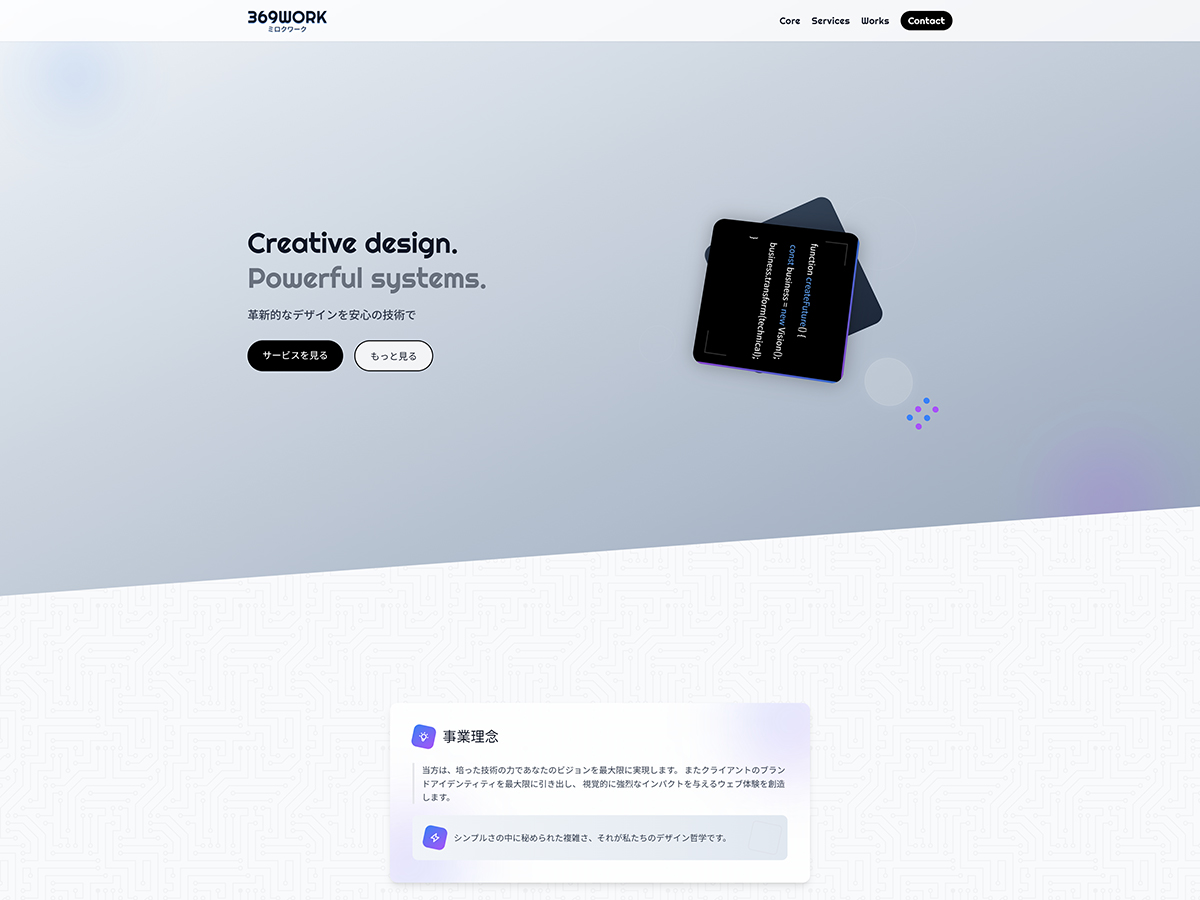
Examples of use on corporate websites
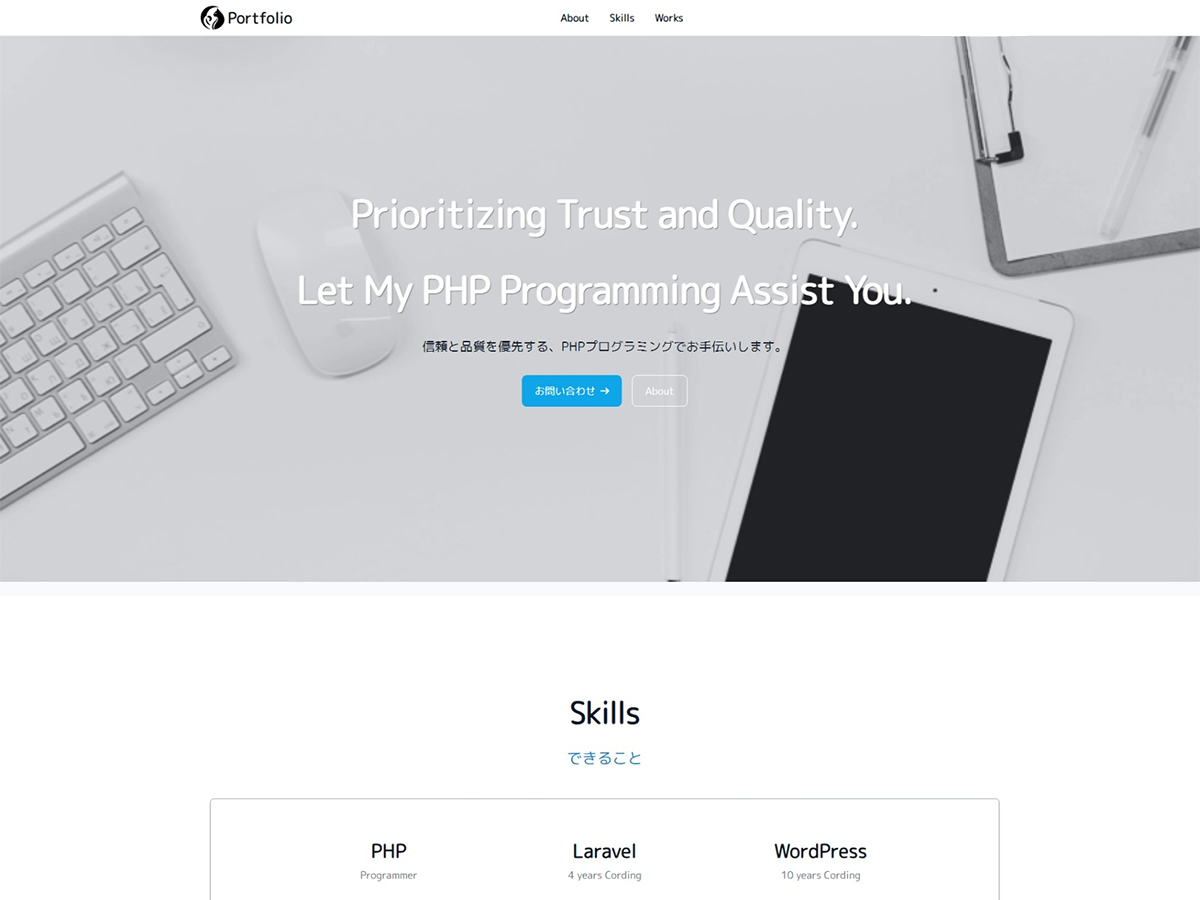
Use cases for creators
Examples of use as a media site
Easychic is a free theme. Here is where to get help.
Free
Questions about how to use the theme and bug reports are handled on the WordPress.org support forum.
Go to the forum (opens in a new tab)Paid
You can request customization of Easychic, such as design adjustments or new features.
Request customizationPaid
Paid email support for one-on-one help is also available. For details, please contact 369Theme.
Contact 369ThemeEasychic can be updated from the WordPress admin panel.
Free support is provided on the WordPress.org support forum (opens in a new tab). For paid customization of Easychic, please use the customization request page. For paid email support, feel free to contact us.
You can download it from the official WordPress website and start creating professional-quality content right away.