A WordPress theme for photographers
Blanky
Studio
A monochrome block theme for photographers starting out. The front page leads with your name, and already carries what a photographer's site needs: series, news, a biography and a way to get in touch.
For Photographers
For photographers
before the name is known.
Photos on social media scroll away. A site stays, and search engines can find it. When someone is thinking of commissioning you or inviting you to a show, your site is where they look.
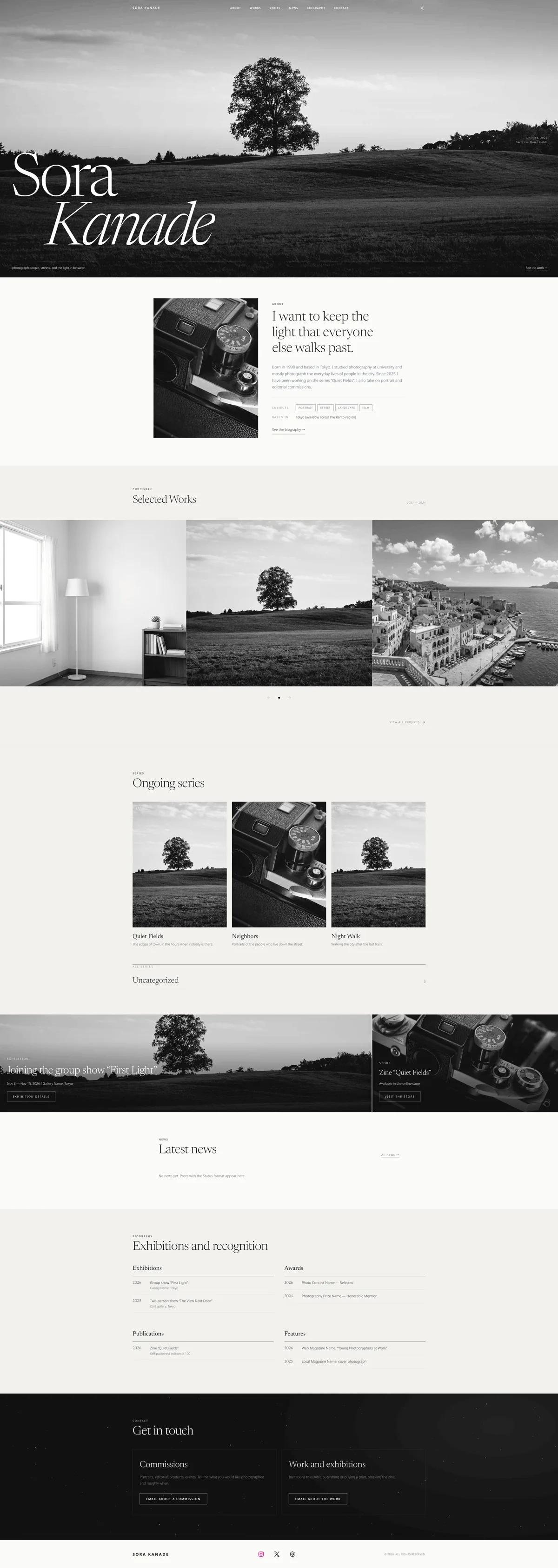
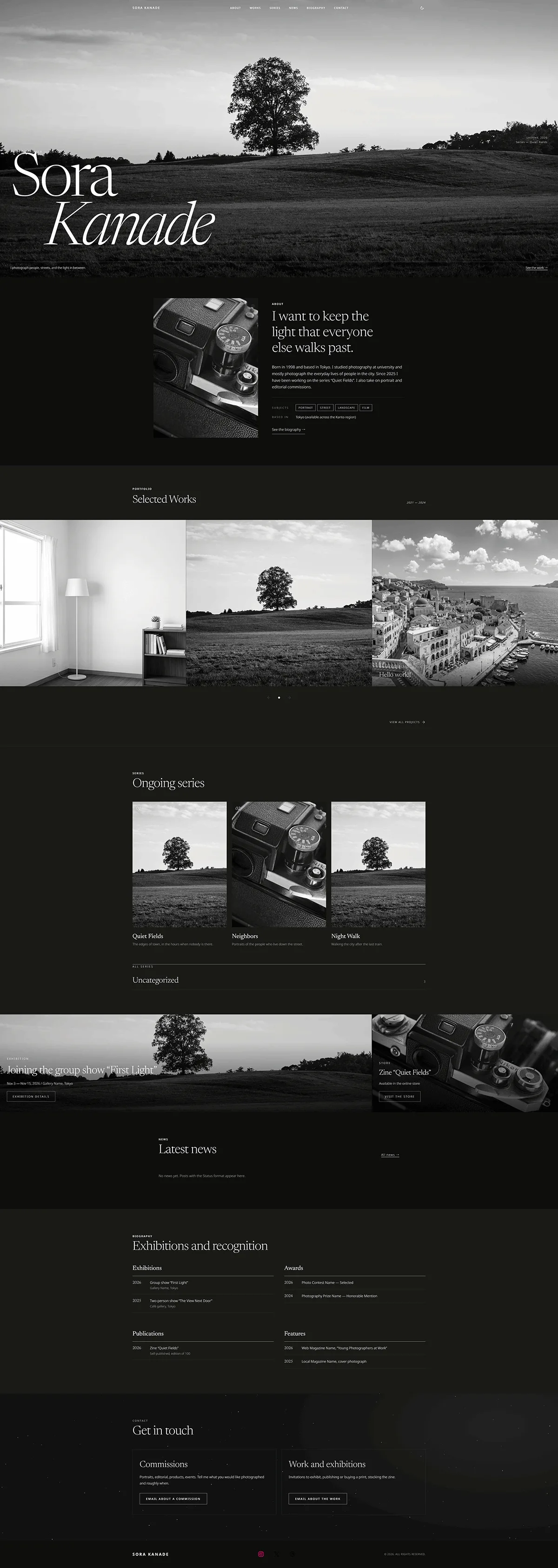
The sites of working photographers have the same things in common: the work grouped into series, news of what is happening, a biography, and a way to get in touch. Blanky Studio puts all of them on the front page from the start. Replace the photographs and words with your own.
Front Page
On the front page
from day one.
-
Hero
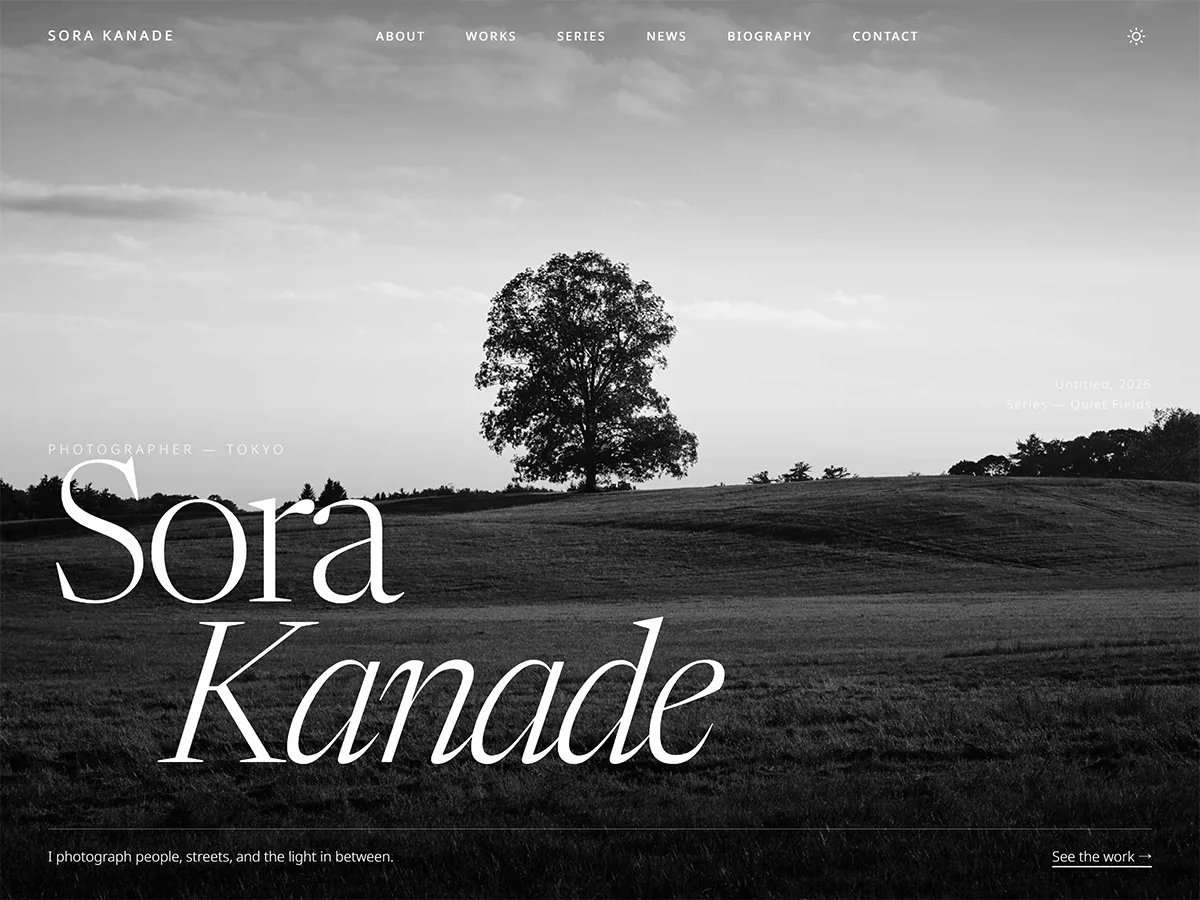
Your name set across the full width over a photograph, with the photograph's title in the corner. Two other heroes to choose from.
-
About
Why you photograph, in one line. Below the profile, what you photograph and where you are based, so people see at once what to ask you for.
-
Works
Your latest work in a sliding carousel, or swap in an asymmetric grid. News posts never mix in.
-
Series
Three series you pick, as photo cards, then an index of every category. Add a category and the index grows on its own.
-
Announcement banners
An exhibition, a store for zines and prints, a call for models. A large and a small photo banner show that you are active.
-
News
A dated, labelled list. Posts with the Status format appear here and stay out of your works.
-
Biography
Exhibitions, awards, publications and features, by year. A group show, a contest selection, a self-published zine: laid out to look complete with a short CV.
-
Two contact doors
One for commissions, one for exhibitions and the work. Each email arrives with its own subject. Behind them, dust drifts through a beam of light.
Heroes
Three ways
to open.
Swap the hero in the Site Editor, and pick the one that suits what you photograph.
-
Name First
Your name across the full width over a photograph. For when you have that one image. This is the default.
-
Portrait and Name
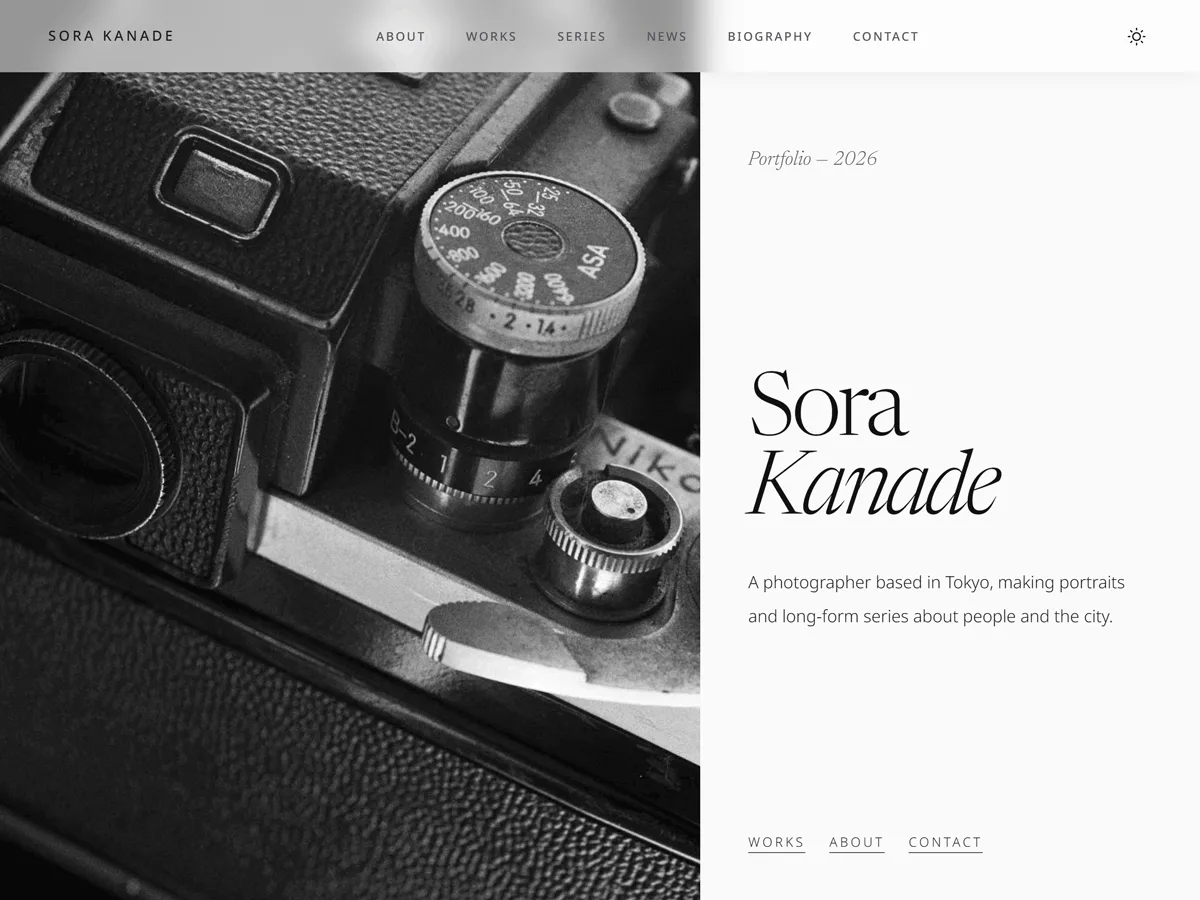
A tall photograph on one side, your name and one line on the other. For portrait photographers and vertical work.
-
Scattered Prints
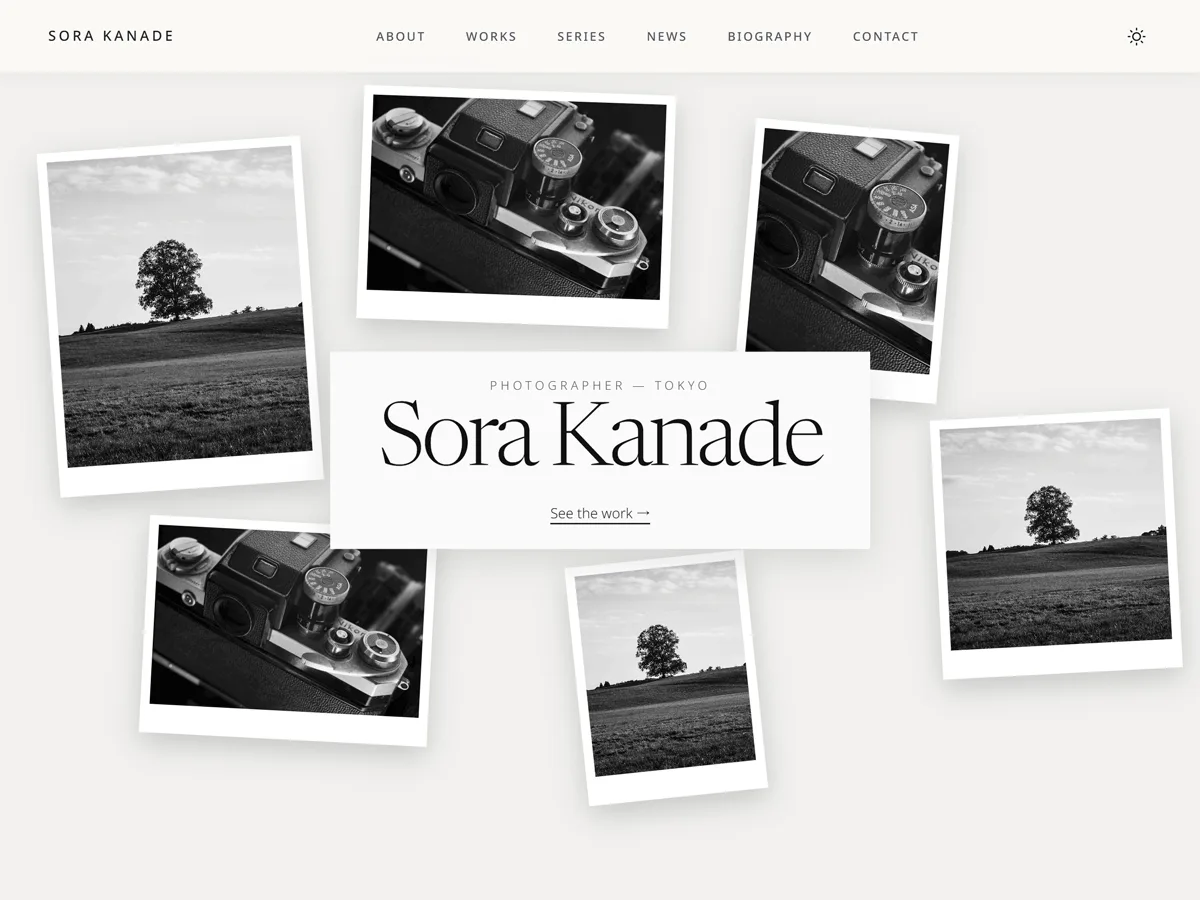
Six prints dropped on a table and a plate with your name. They change places on every visit. For showing the range of what you shoot.
Design
Monochrome,
so the work leads.
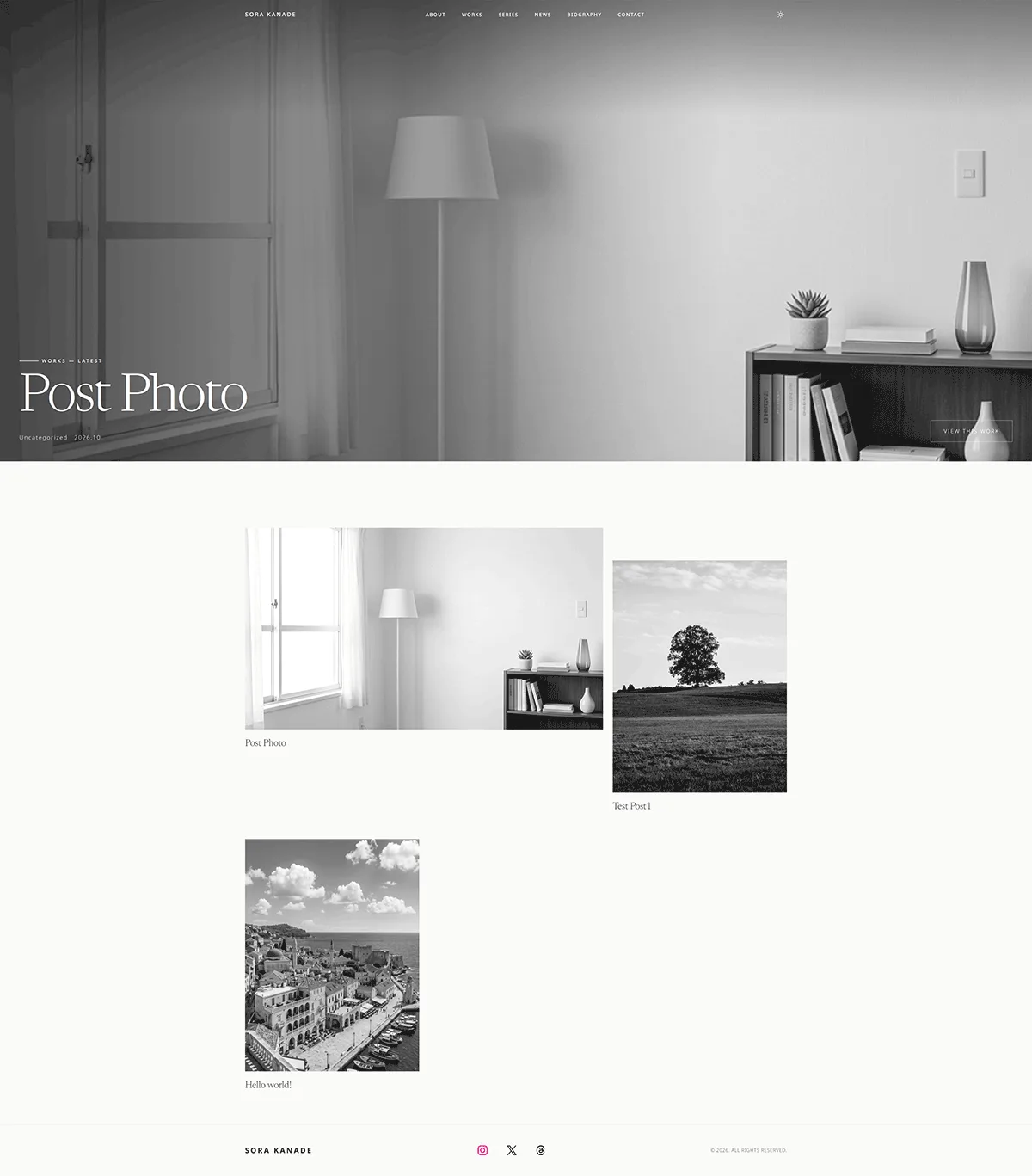
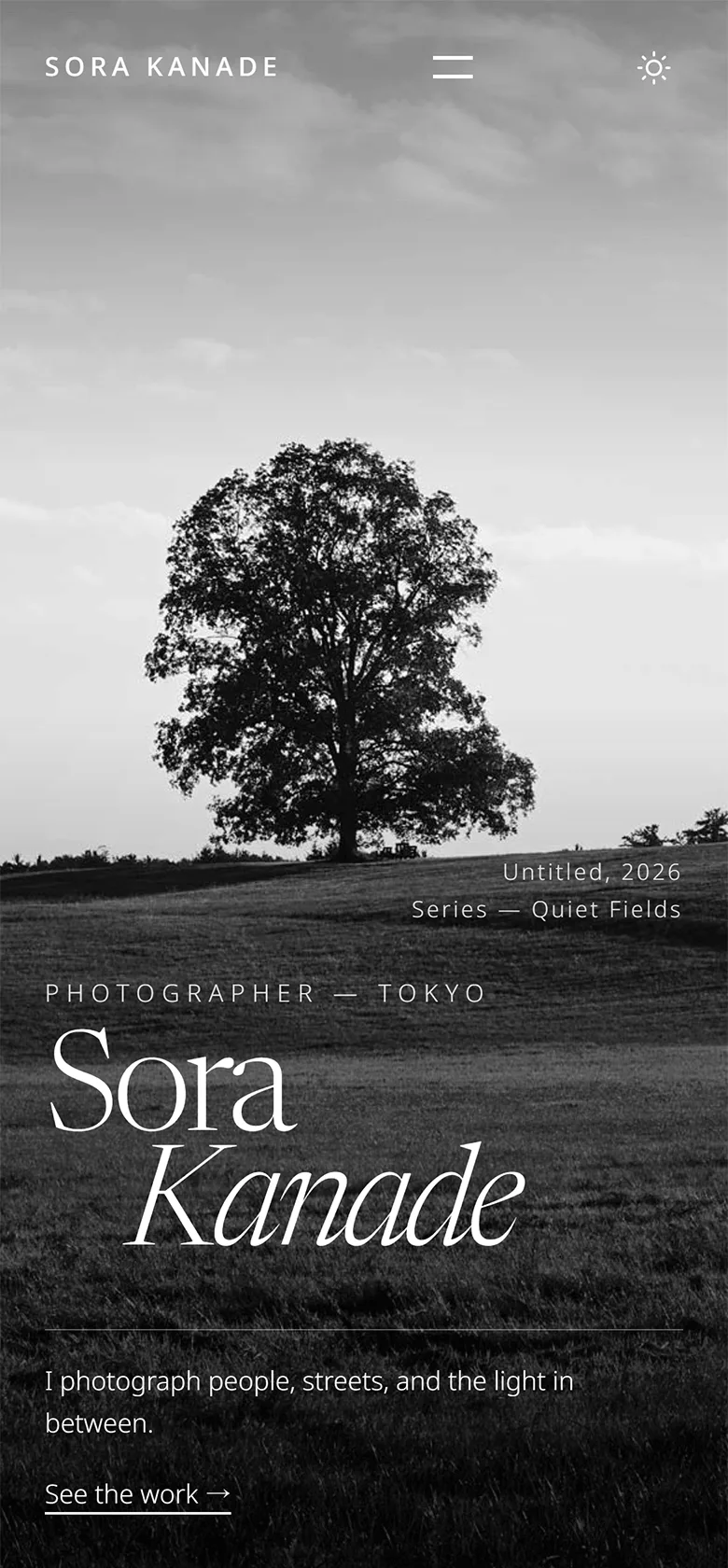
The same impression on a phone.
The name scales with the screen, cards stack into one column and the menu folds away. Text is never smaller than 12px.
How To
Updating is
just posting.
- Add work
- Write a post with a featured image and a category (your series). New posts offer five ways to arrange photographs.
- Post news
- Set the post format to Status in the Post Format panel. It appears in the News section and stays out of your works.
- Add a series
- Create a category and it joins the index on the front page. For the photo cards, pick the three you want to show and set their links.
- Write your biography
- Add the year and the entry under exhibitions, awards, publications or features. Replace every sample entry with your own.
Installation
Three steps.
That's it.
-
Upload and activate
Go to Appearance → Themes → Add Theme → Upload Theme, choose blanky-studio.zip, install and activate.
-
Reading settings
In Settings → Reading, set your homepage to a static page and pick the pages for the front page and for your works.
-
Make it yours
Open the front page in Appearance → Editor and replace the photographs, statement, biography and email address.
Pricing
Buy once,
use it for good.
On sale
7,800 JPY
Regular price 9,800 JPY
One-time purchase · No subscription · GPL v3 · Occasional sales
- Blanky Studio theme (v2.5)
- Every template and pattern included
- Automatic updates from the WordPress admin
- Commercial use allowed (GPL v3)
- Requires WordPress 6.9 or later
FAQ
Questions.
Does it work if I don't have much work or many credits yet?
Yes. That is who it is for. The biography is laid out so that a group show, a contest selection, a self-published zine or a feature in a local magazine look complete when listed by year. A single series is enough to start.
How are news and works kept apart?
With WordPress post formats. Set a post to Status and it appears in the News section on the front page, and not in Works or on the posts page. Nothing else to configure.
Is there a contact form?
The theme ships no form. The two contact doors are email links with their own subjects. If you prefer a form, place the block of the form plugin you like inside the Contact section.
What happens to my front page when I update from 2.4 or earlier?
If the front page template was never saved in the Site Editor, it switches to the new front page. If it was saved, it stays as you saved it. Insert the new sections from Blanky Studio Patterns in the editor; the earlier hero and Experience section are kept there too.
Can I customize the colors?
Yes. The palette is defined in theme.json and can be changed under Appearance → Editor → Styles, without code. Default, Warm and Dark styles are included, and visitors can switch to dark mode with the button in the header.
How do I receive updates?
Update notices appear in the WordPress dashboard, and you update from the admin like any other theme.
Does it load external fonts or scripts?
No. The typefaces (Newsreader and Noto Sans) are bundled with the theme, so no outside server is contacted. Japanese text uses the fonts installed on the device.